

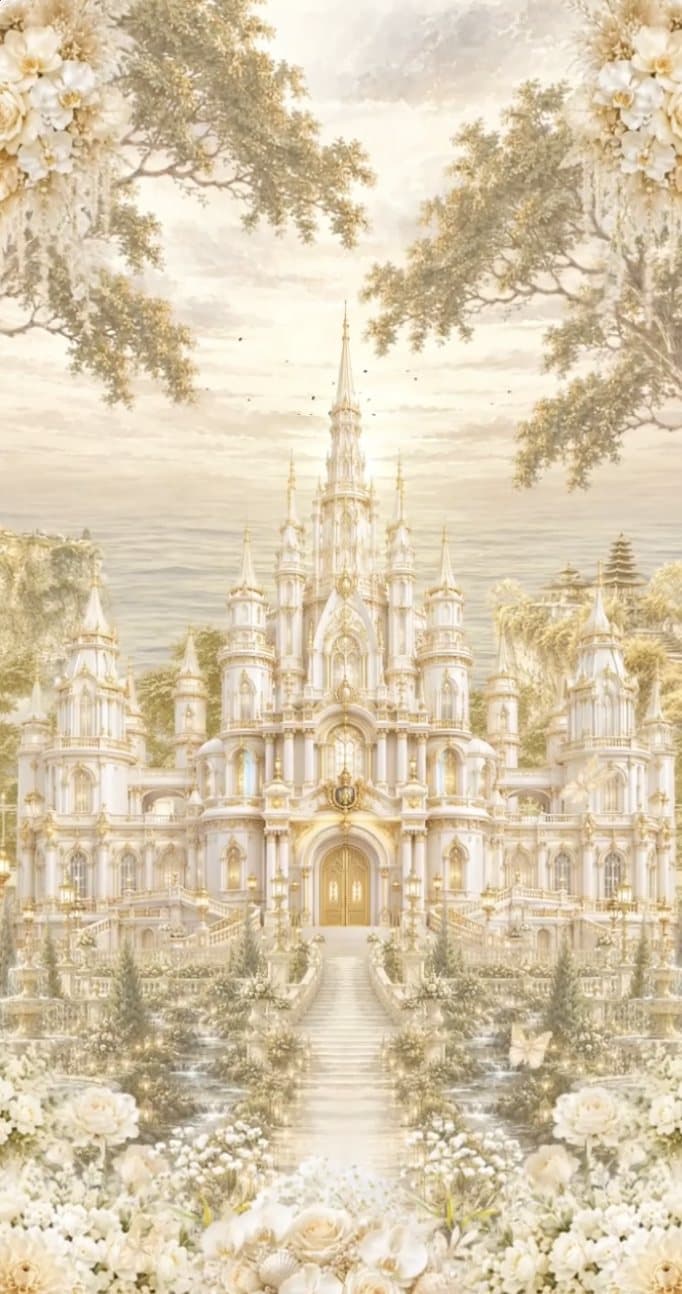




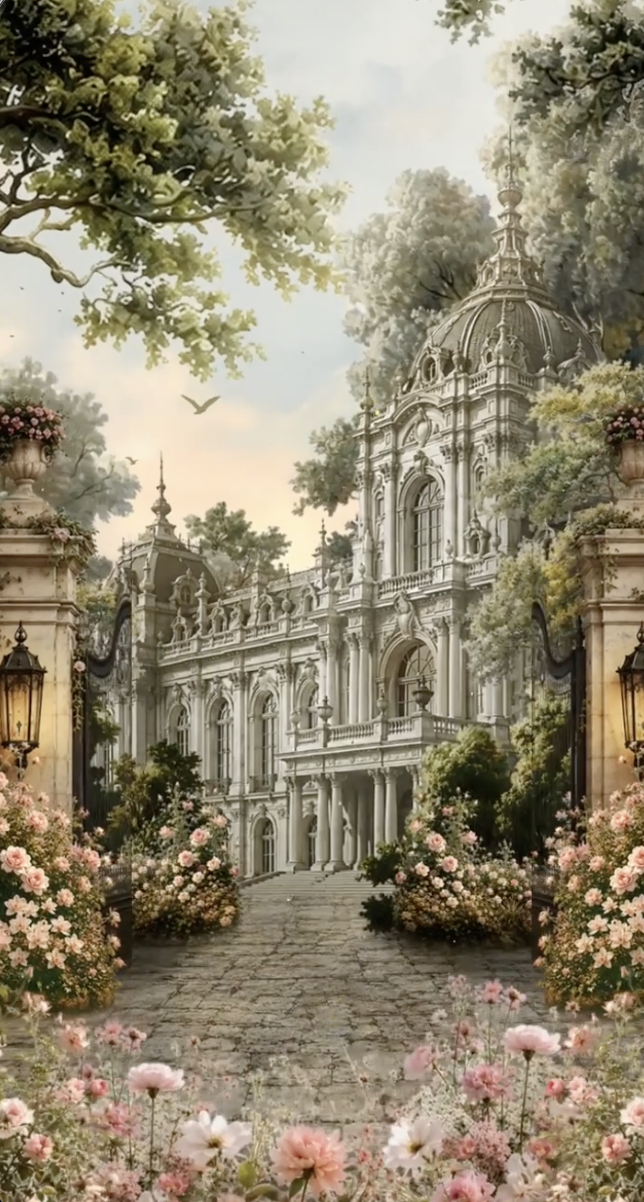
 120 000 UZS
For weddings and family celebrations
Invite your guests with a beautiful invitation
Pick a design, fill in the details on your phone and send the invitation with a single link.
Create and preview for free — you only pay when you publish.
Questions? Write to us on Telegram
9:41
Features
Everything in one invitation
Invite your guests, collect their replies and keep the memories — all in one link.
Unique designs and music
Each with its own colours, lettering and ornaments, and your chosen song plays as it opens.
A morning plov invitation as a gift
We give you one for every invitation you buy (except sunnat invitations).
Guest replies
See who's coming and how many — every reply arrives in your Telegram.
PNG download
Download the invitation as an image and share it anywhere.
QR code
Download a QR code — guests scan it to open the invitation.
Named invitations
A personal link for each guest: the invitation greets them by name.
Design collection
Invitation designs
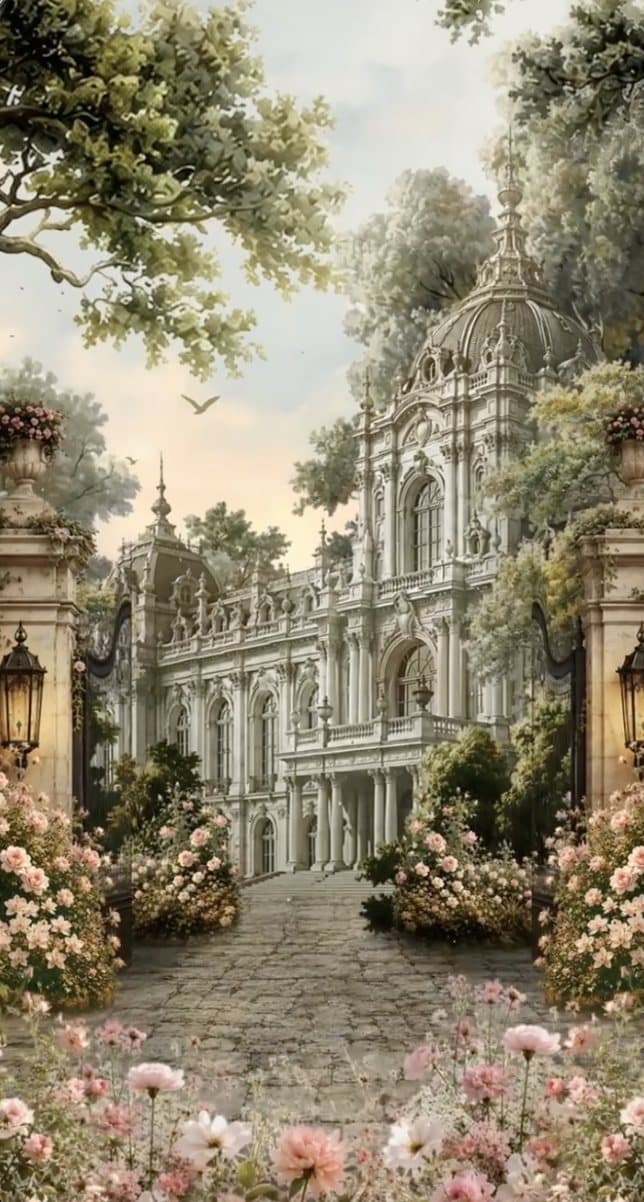
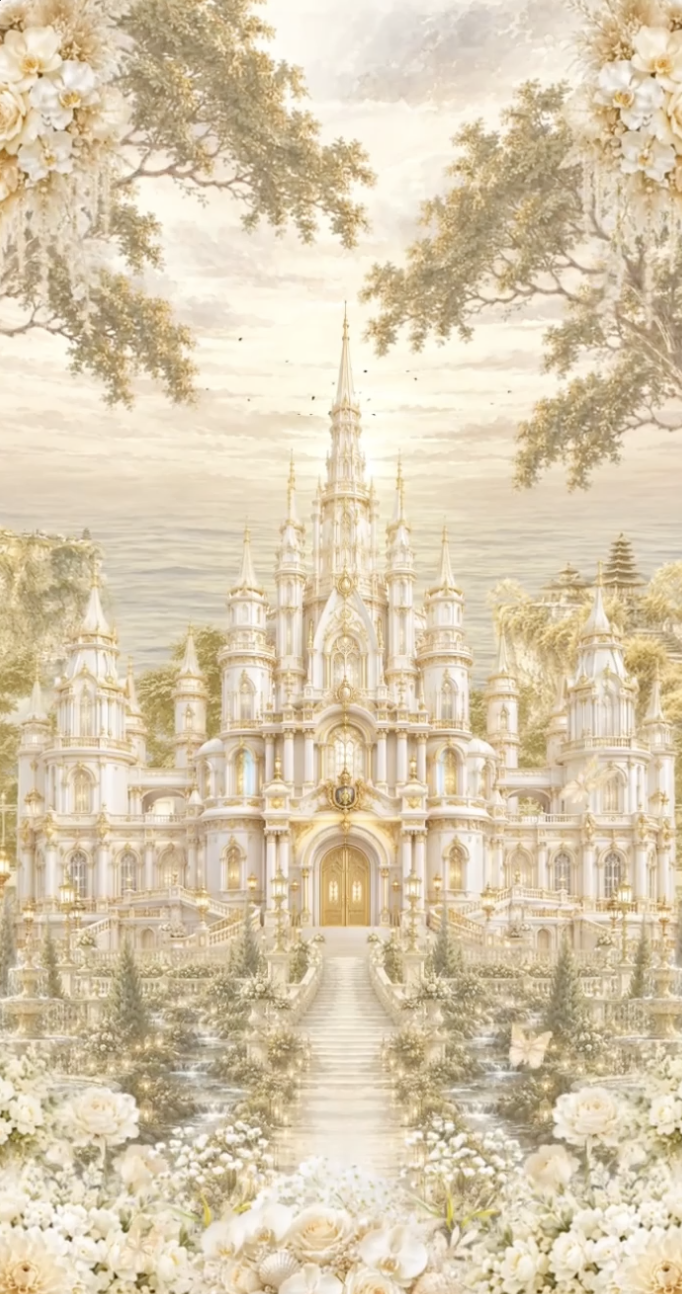
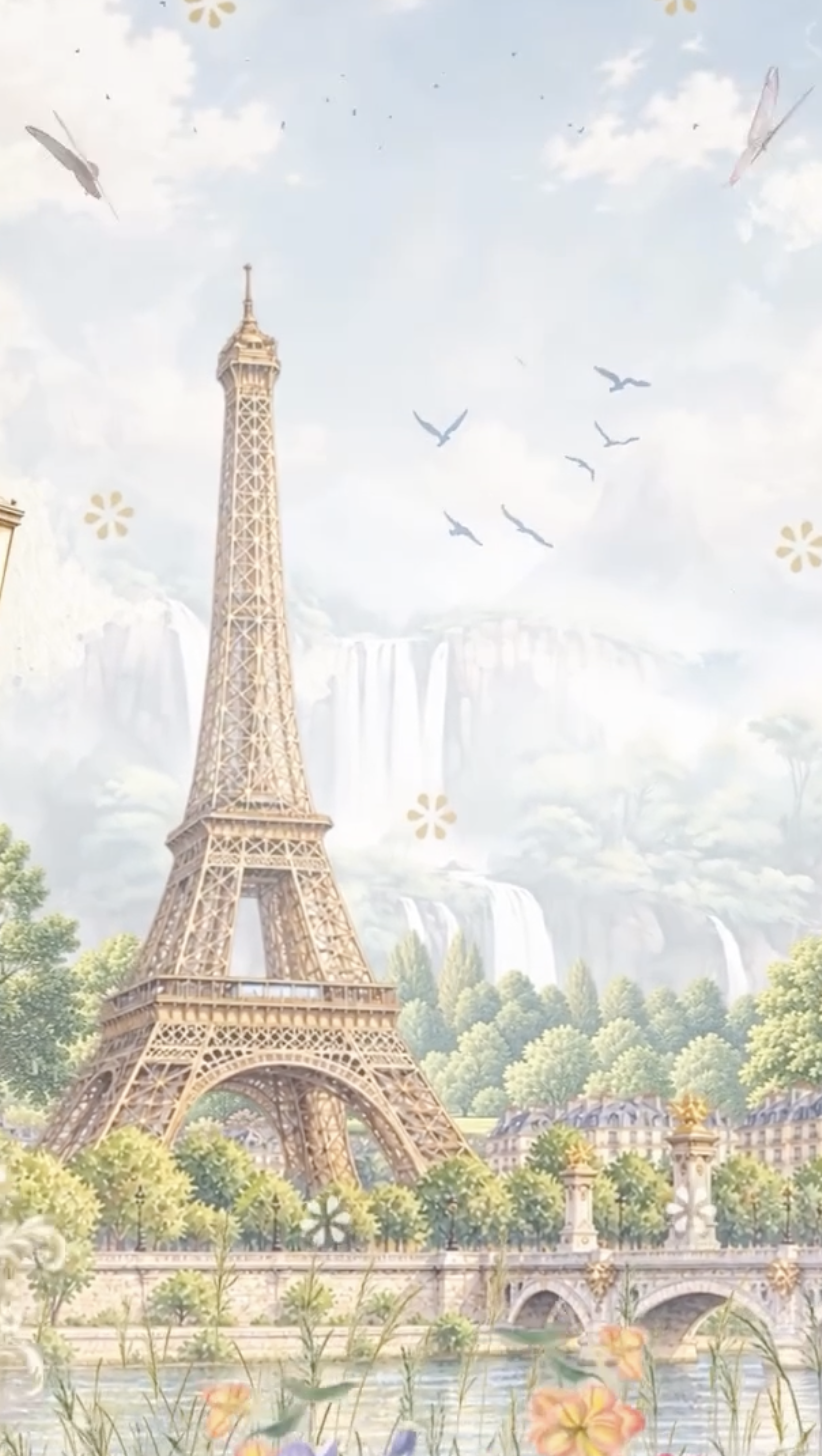
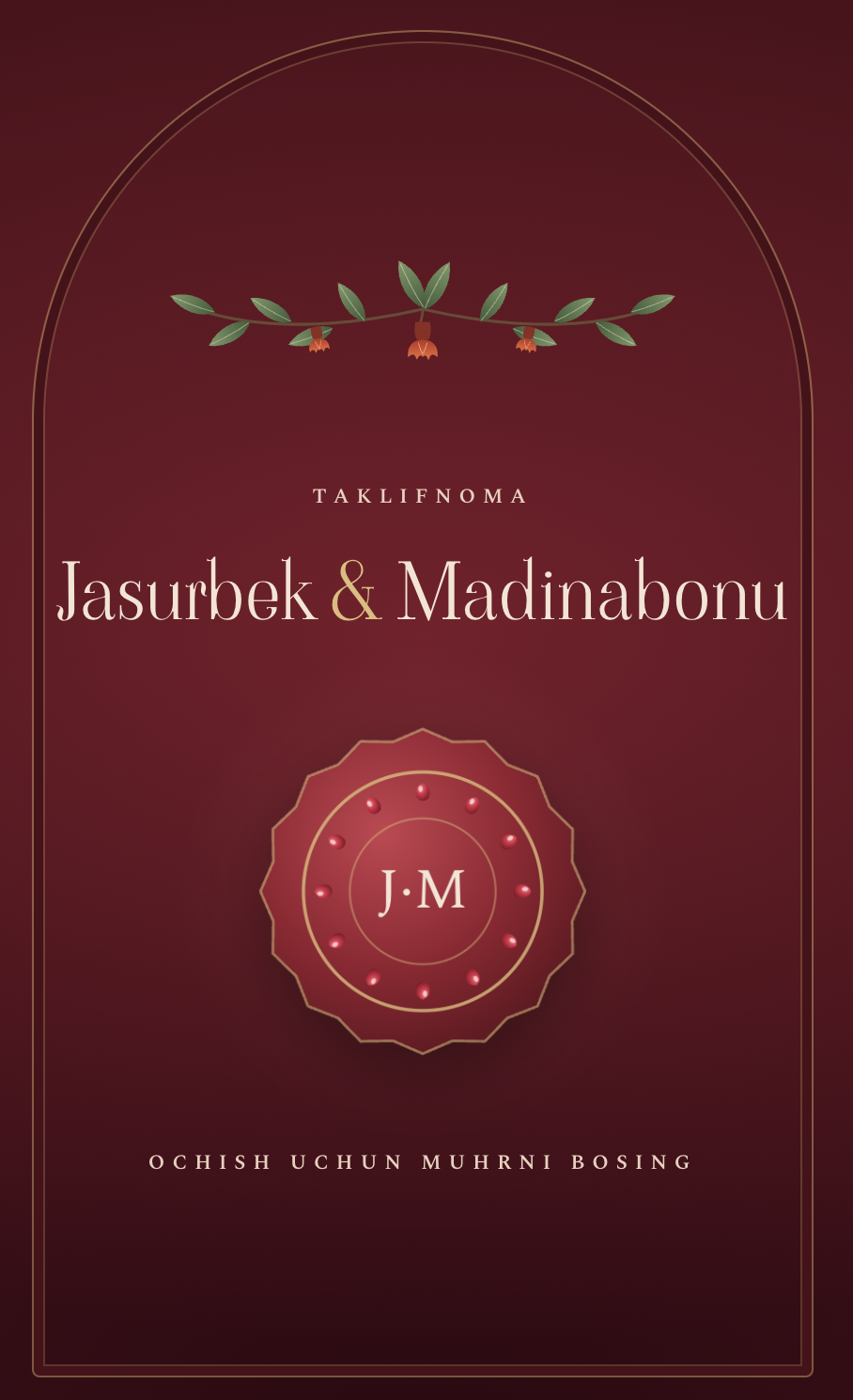
Choose the one you love — every design has a live preview.






Three steps
Your invitation in minutes
- 01
Pick a design
Choose a design that fits the mood of your celebration.
- 02
Fill in the details
Names, date, venue, photos and music — all from your phone.
- 03
Share the link
After payment the invitation goes live. Send the link on Telegram or any messenger.
FAQ
Frequently asked questions
Is creating an invitation paid?
Creating and previewing are free. You pay when you publish, at the price of the design you chose.
How do I send it to guests?
Once published, your invitation gets its own link. Send it on Telegram, WhatsApp or by SMS — guests don't need to install anything.
Can I edit it after publishing?
Yes. Change the time, venue or photos any time; the link stays the same. Only the design can’t change after payment.
How long does the invitation stay online?
It stays online after the event too. A year after the event its photos are deleted; the text is kept.
What happens to an unfinished draft?
Drafts not edited for 7 days automatically lose their photos; the draft itself is kept. You can keep up to 30 drafts at a time.
Why choose a digital invitation over a paper one?
A digital invitation arrives instantly, with no printing or delivery: guests open the link and see the video opening, music, time and map. If something changes, you just edit it, with nothing to reprint.
How do I know which guests are coming?
The invitation has an RSVP form: guests say whether they're coming and how many people, and can leave a wish. Every reply reaches you on Telegram, and they're all listed in your account.
Can I add music and photos?
Yes. Add up to 6 photos and pick a song from the list or upload your own; it plays when a guest opens the invitation.
Can I download the invitation as an image or QR code?
Yes. A published invitation can be downloaded as a PNG image to print or forward, and as a QR code that opens the invitation.
Still have questions?
Message us on Telegram — we reply quickly.
The first step to your big day
Start for free right now — it only takes a few minutes.
Create an invitation